One of the most critical parts of designing for print is the initial setup of your document and depending on the design software you use, the way you save it as well. Before Uploading your artwork files , please go through the following checklist to make certain your files are ready for printing. This will save you time, hassle and possibly money!
A full color offset press combines Cyan, Magenta, Yellow and Black (CMYK) to produce a wide variety of colors. If your file is not setup in CMYK mode, the colors on the final print might not be what you expect them to be.
Setting your color mode to grayscale will yield the best Black only prints.
PMS Colors should be specified in your file.
To ensure a high quality finish, all images should be no less than 150 DPI and your document should be setup to 300 DPI. All fonts should be outlined. PDF files should be submitted to avoid compatibility issues.
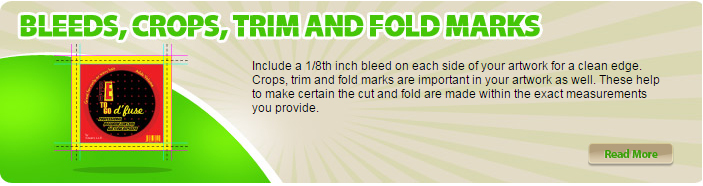
Include a 1/8th inch bleed on each side of your artwork for a clean edge.
Crops, trim and fold marks
are important in your artwork as well. These help to make certain the cut and fold are made within the exact measurements you provide.