



Non-profit 501(c)3, Charities, Fundraisers and Educational Organization Brochures Printing Services

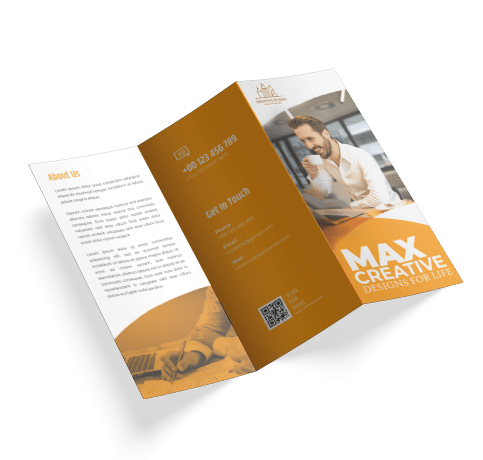
Seeking donations is not an easy task. Our custom printed brochures are available in many sizes and paper stocks and special folds with fast turnaround can assist you in finding funds. Save time and money by taking advantage of our in-house mailing services as well. > Get an Estimate Below

Brochure Printing Options:

  • Available Sizes: 5.5 x 8.5, 8.5 x 11, 11 x 17, or custom sizes
  • Paper Stocks: 80lb, 100lb, or 120lb Text or Cover
  • Printing & Finishing: 1 color - 4 color printing, Aqueous or UV Coating, Scoring, Folding, Perforation, and Custom Die Cutting

  • Key Production Features:

  • Fast printing Turnaround: 24 - 48hours for most orders.
  • Brochures are perfect for our inhouse mailing services. Print and mail your brochures under one roof, to save time and money.
  • Free Shipping on all full color brochure printing orders!


  • Graphic Design Templates & Resources

    Click Here to download our graphic design templates

    Design Notes: Create your full color brochures using the CMYK color pallet so you have a better representation of what the final product will look like. Files submitted in RGB format will be automatically converted to CMYK however the colors may be slightly different than expected.

    1. Select options for your brochures.

    2. Add brochures to your list.

    3. Add any additional items.

    4. Request quote when finished.

    Quantity:
    Color Process:
    Stock:
    Finishing:
    Brochure Size:
    Mailing:

    0 items have been selected for inclusion in your quote

    If you have finished selecting all of the items that will be included in your quote request, please select the button below. Otherwise, navigate our website to add more items to your estimate.

    School and Educational Organization Presentation Folder Printing Services
    Updated: Thursday, May 17th, 2012
    • Envelope Size Chart Quick Guide

    • Creating Die Lines for Custom Die Cut Printing in Adobe Illustrator

    • Complementing Innovation: Taking a Step Back to Take a Step Forward

    Latest Promotion